Events Booking - E-Invoice
This plugin enables automatic generation of electronic invoices (e-invoices) alongside the standard PDF invoice issued by the Events Booking. When someone registers for your events, the plugin creates a compliant e-invoice in XML format (e.g., ZUGFeRD or XRechnung) and send it to both admin and registrant emails (together with PDF invoice), making it suitable for customers who require electronic invoicing for tax or regulatory purposes.
If you are using Events Booking in a country which requires e-invoices, please purchase the plugin at https://joomdonation.com/joomla-extensions/events-booking-joomla-events-registration.html (look at Paid Add-ons tab), install, and enable Events Booking - EInvoice plugin.
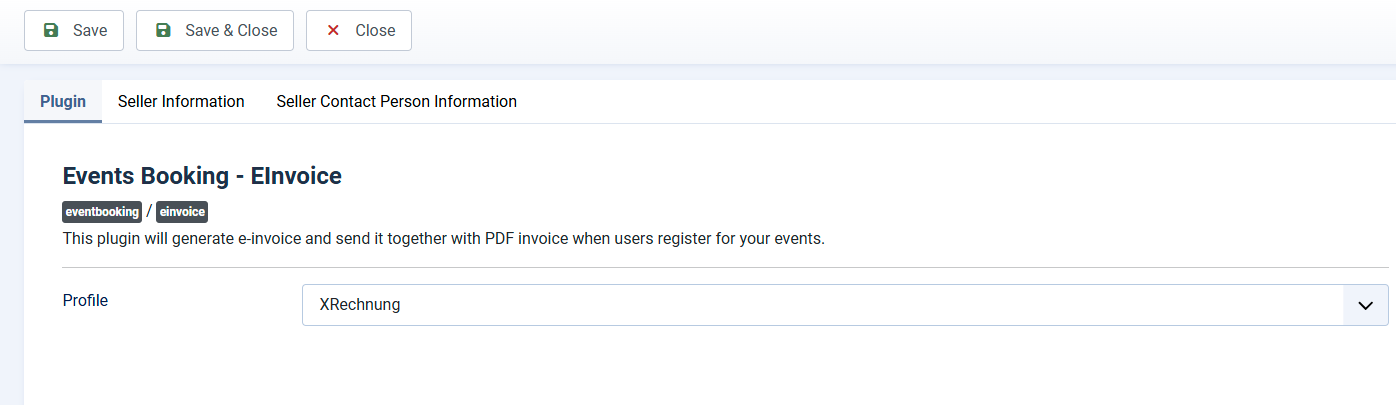
After installing the plugin, please go to System -> Plugins, find the plugin Events Booking - EInvoice , click on it to edit, enter necessary parameters below before enabling to have it works properly
Basic Information
Profile: As of right now, the plugin supports two profiles EN 16931 (COMFORT) profile and XRechnung. Please choose to use the the profile required for your country.
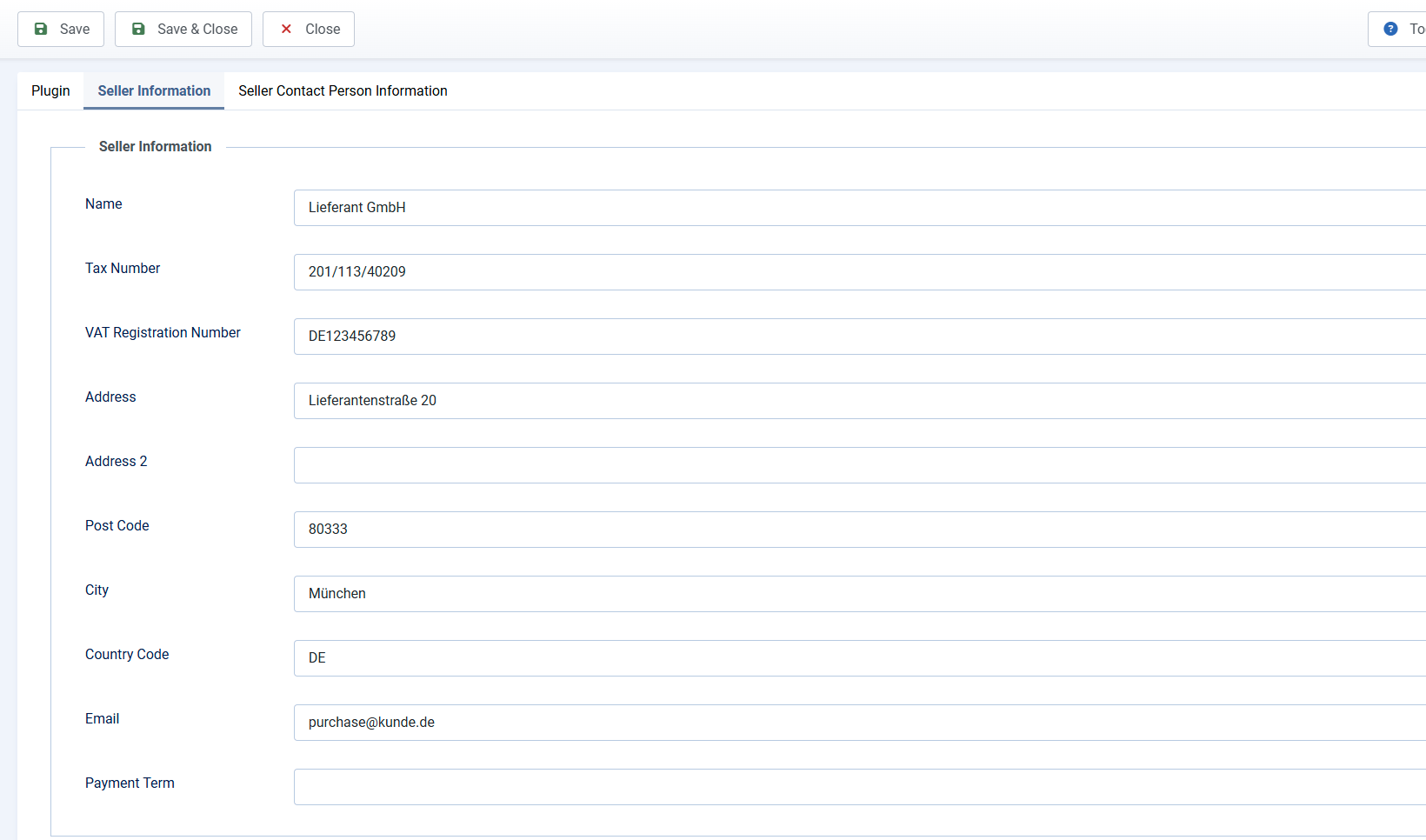
Seller Information
On this tab, you provide seller information use to generate invoice such as Name, Tax Number, VAT Registration Number, Address...Honestly, I do not understand the law of your country enough to know exactly what information is required, so please provide the information you need there.
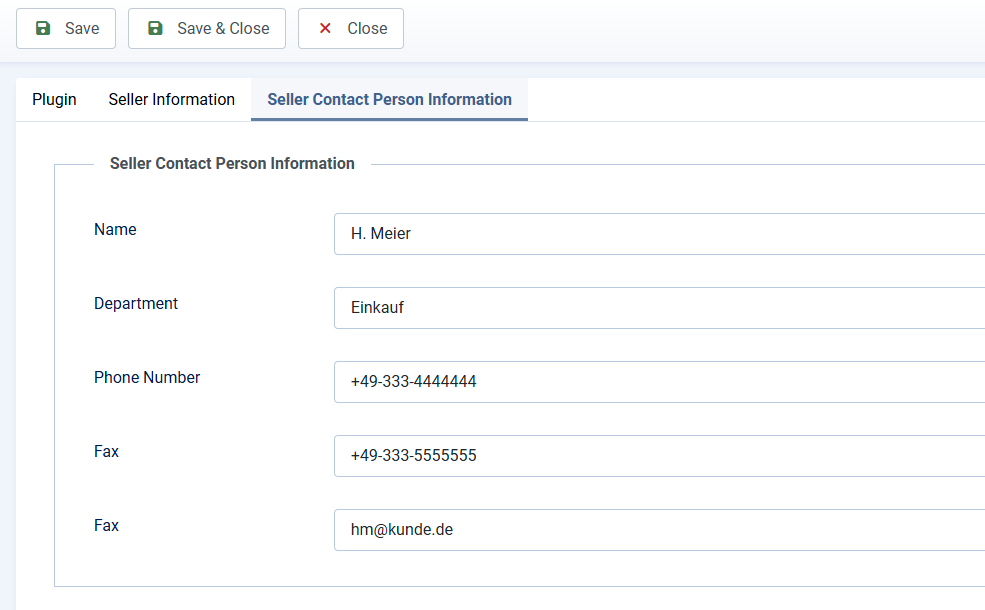
Seller Contact Person Information
On this tab, you provide the contact person of your country Like Name, Departement, Address, Email... Like the Seller Information above, I also do not know exactly what information required, so please provide the information you want/you can there (I guess this data could be optional, but I do not really know)
After entering all necessary information, you can enable the plugin. And now, each time the PDF invoice is generated, the xml invoice will be generated and sent to admin and registrant email as well.
If you use Events Booking 5.0.7 or earlier, please make sure accessing to My Downloads menu item on our website, download latest package of Events Booking from there and update it to your site. This plugin requires Events Booking 5.0.8+ (or 5.0.7 installed after 18 June 2025 to work)