Content - Category
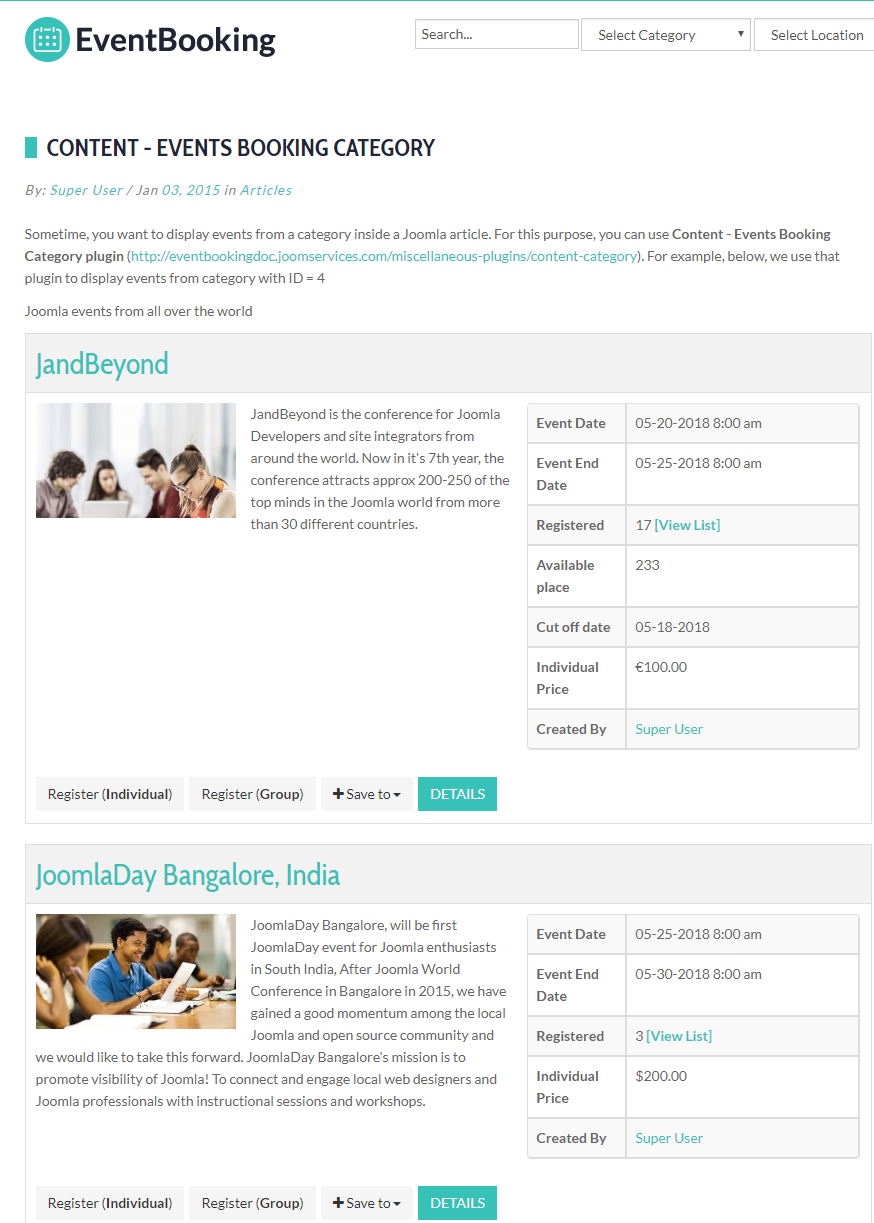
Display events from a category in a Joomla article or another page that runs Joomla content plugins, such as a K2 item. See https://demo.joomdonation.com/eventsbooking/features/other-features/content-category-plugin for an example.
To use this plugin, follow these steps.
- Go to System -> Plugins, find and enable the plugin Content - Events Booking Category
- Edit the article you want to display events from the category, enter this syntax {ebcategory ID_OF_CATEGORY}. ID_OF_CATEGORY needs to be replaced with ID of category you want to display events from, for example {ebcategory 1} will display events from category with ID = 1 in the article