Agendas
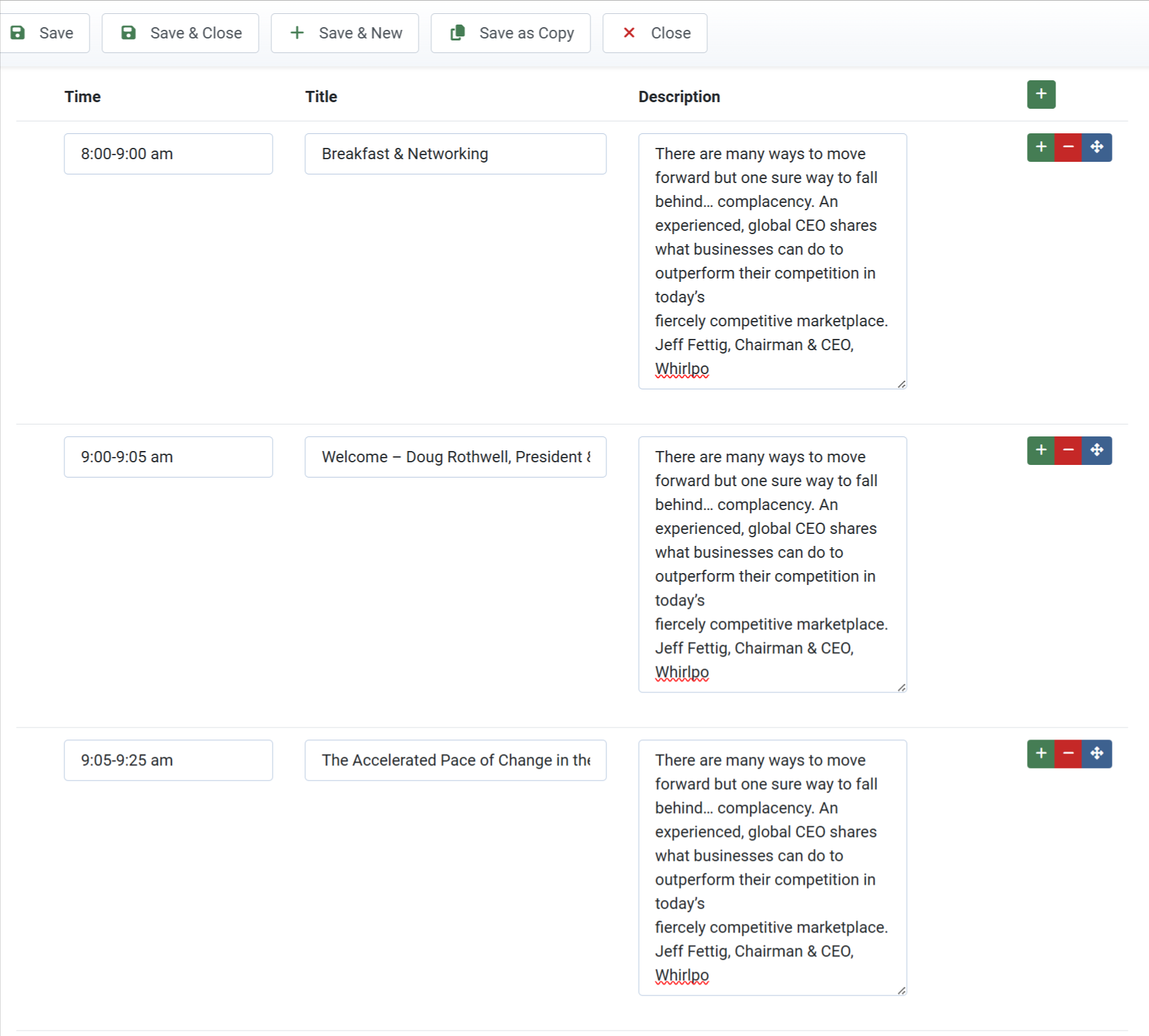
Use this plugin to add an agenda to an event and display it on the event page. For an example, see the Agendas section at https://demo.joomdonation.com/eventsbooking/features/advanced-features/agendas-speakers-sponsors.
To use this feature:
- Go to System -> Plugins Manager, find and publish the plugin Events Booking - Agendas.
- When you add or edit an event, open Agendas to set up the agenda. Events Booking displays it on the event details page.