Map
Normally, on event detail page, users will have to click on the Location Name of the event to view that location on google map
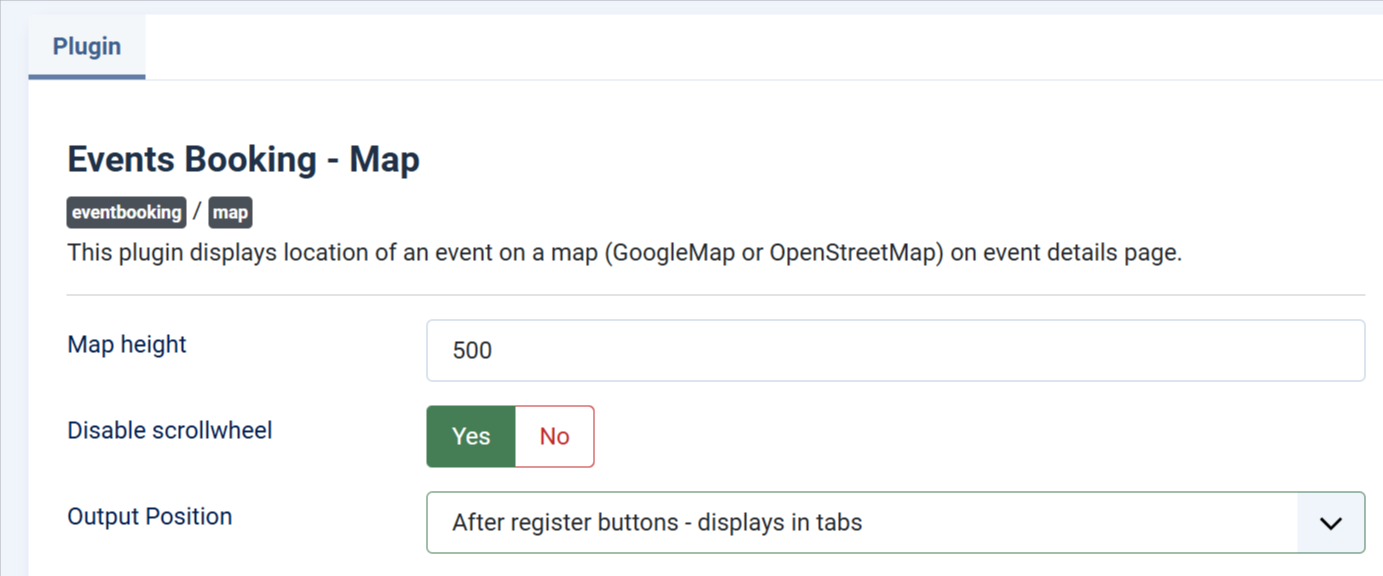
If you want to display map directly on event detail page, please go to System -> Plugins, find and enable the plugin Events Booking - Map. You might also want to change the following parameters if needed:
- Map Height: Control height of the map.
- Disable Scrollwheel: Enable/Disable scroll-wheel.
- Output Position: Control where the map is being displayed (before or after Register buttons).