Membership Pro - Subscription Control
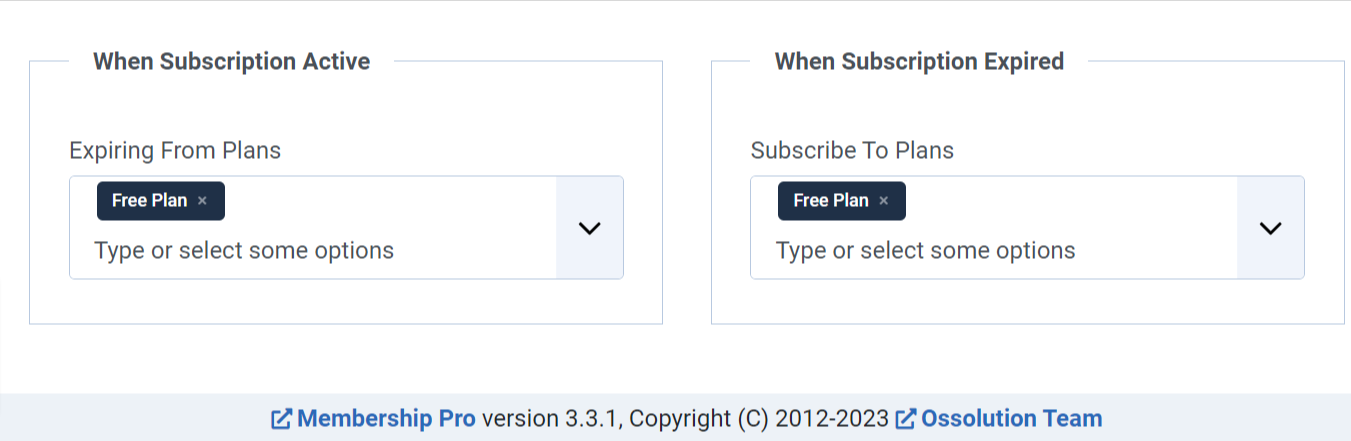
Use this plugin to expire subscriptions to selected plans when a subscription to the current plan becomes active, and to sign users up for selected plans when their subscription to the current plan expires.
To use this plugin, go to System -> Plugins, find and enable Membership Pro - Subscription Control plugin. Then edit the subscription plan, look at Subscription Control Settings tab, make necessary settings to get it works as you want.