Authorize.net Accept Hosted
Installation
When you purchase the payment plugin, you will receive a zip file called os_osm_authnetaccepthosted_unzip_first.zip. Unzip the zip file, you will get the payment plugin file os_osm_authnetaccepthosted.zip and three PHP files.
- Go to Membership Pro -> Payment Plugins to install the payment plugin os_osm_authnetaccepthosted.zip as any other payment plugin. See https://docs.joomdonation.com/membershippro/basic-setup/payment-plugins#install-new-payment-plugin for installation instructions if needed.
- For the three PHP files: authaccepthosted_mp_cancel.php, authaccepthosted_mp_return.php, authaccepthosted_mp_webhook.php, please upload it to root folder of your site. If you use Admin Tools Pro htaccess marker, please make sure these three files are accessible by adding it to Exceptions from Server Protection section and re-generate the .htaccess file.
Configuration
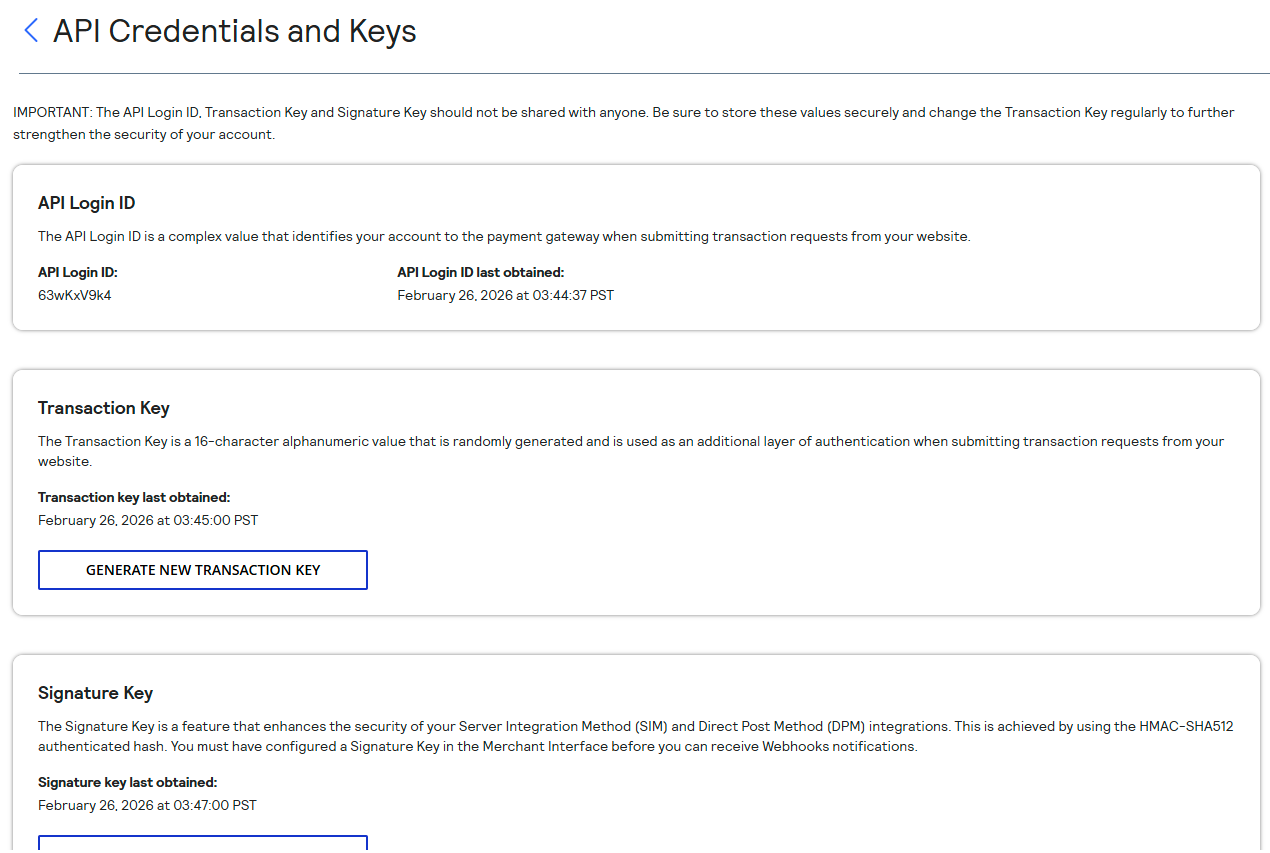
- Login to your authorize.net account, access to Account -> Account and API Settings -> API Credentials and Keys. Get API Login, Transaction Key (generate it if needed), Signature Key (generate if needed) and enter it to Associated parameters in the os_authnetaccepthosted payment plugin parameters.
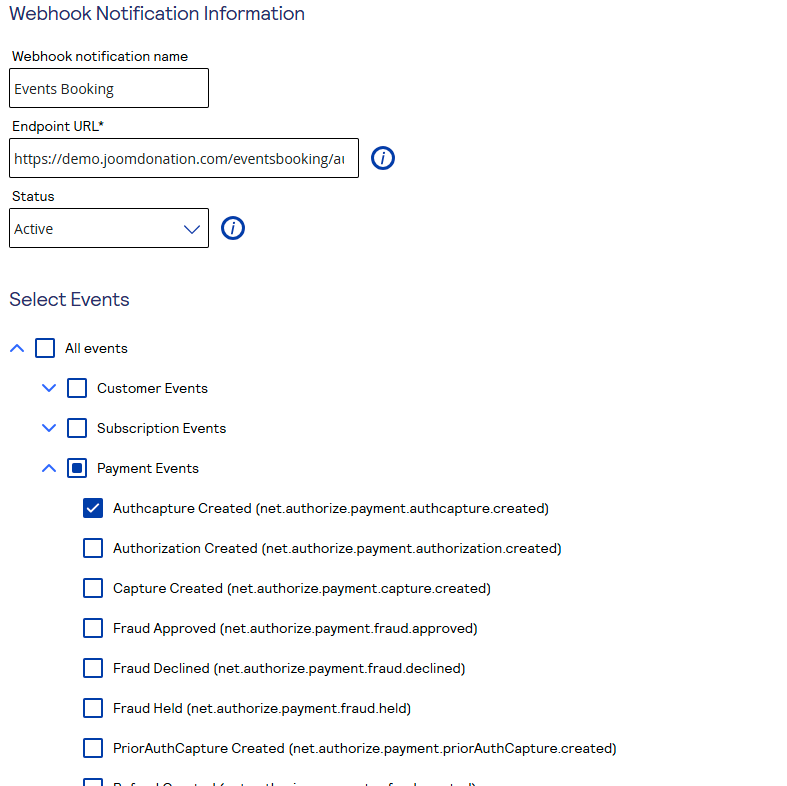
- Also in Account -> Account and API Settings -> API Credentials and Keys -> Webhooks, create a new webhook
- The webhook URL is https://yourdomain.com/authaccepthosted_eb_webhook.php (replace https://yourdomain.com with URL of your site)
- Select event Authcapture Created (net.authorize.payment.authcapture.created) for the webhook