Mass Mail
Use Mass Mail to send a one-time message about a specific form, such as a change to the service or event that customers paid for.
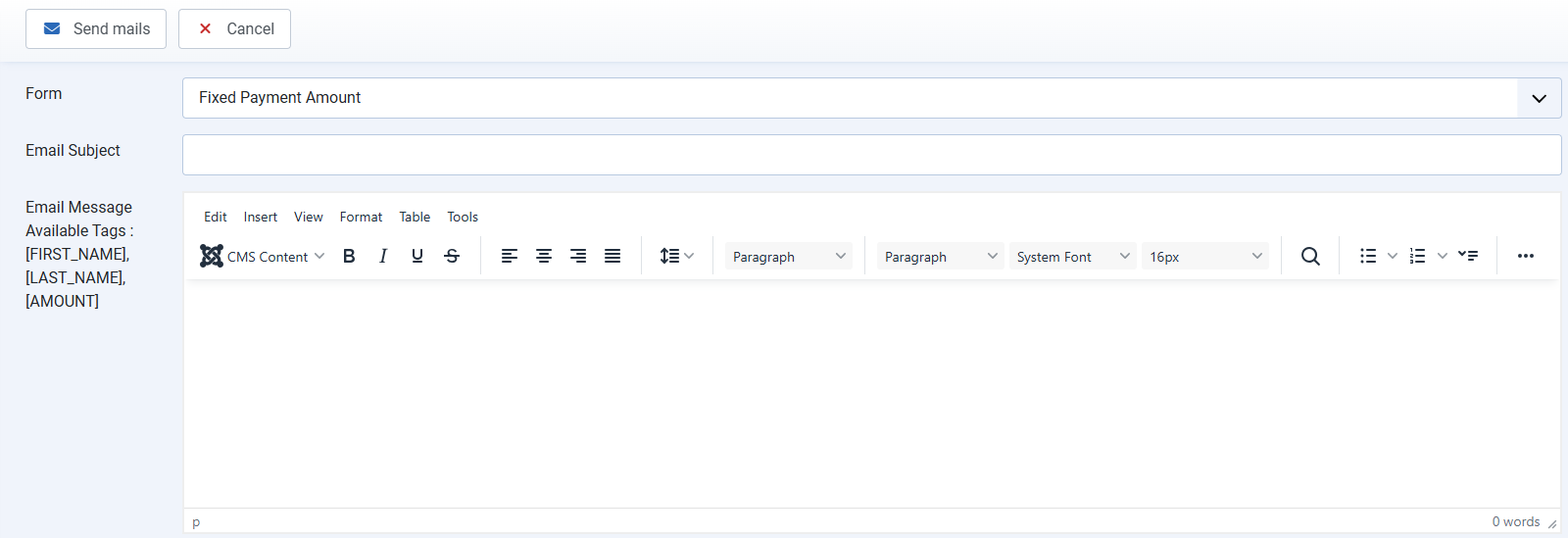
- Open Components → Payment Form → Mass Mail.
- Select a published form and enter the Email Subject and Email Message.
- To personalize the message body, use
[FIRST_NAME],[LAST_NAME], or[AMOUNT]. - Review the selected form and message, then click Send Mails.
Mass Mail sends one message per eligible payment record with a valid email address. It includes paid online records and offline records, including pending offline payments. A customer with multiple eligible records can receive multiple copies. To send the standard payment emails for specific records, see Resend Email.