Mailchimp
This plugin allows you to assign payers of each form to specific Mailchimp Tags, in addition to Audiences and Groups.
You can then use Mailchimp to organize and segment your contacts based on the forms they have submitted, making it easier to create targeted email campaigns, send relevant newsletters, and deliver personalized marketing communications to the right audience.
Enable And Configure Plugin
To use this feature, go to System -> Plugins, find and enable Payment Form - Mailchimp plugin.
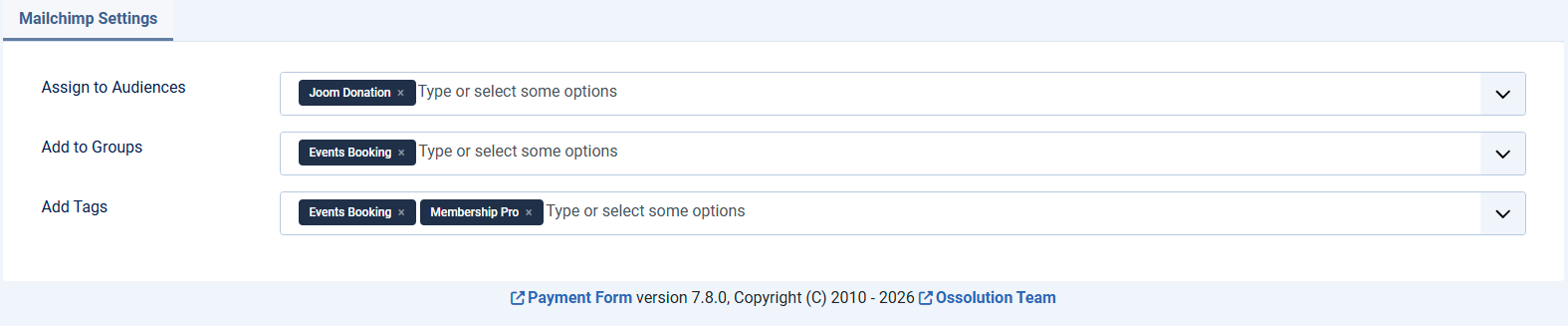
After enabling the plugin, when you add or edit a form, you will see a new tab called Mailchimp Settings. In this tab, you can select the Audiences, Groups, and Tags that users who complete payment through this form will be assigned to in Mailchimp