Payments Management
To access to registrants management page, there are 3 different ways:
- Access to Components -> Payment Form -> Payments
- Access to Payment Form Dashboard, then click on Payments icon
- On any pages in Payment Form, access to Payments
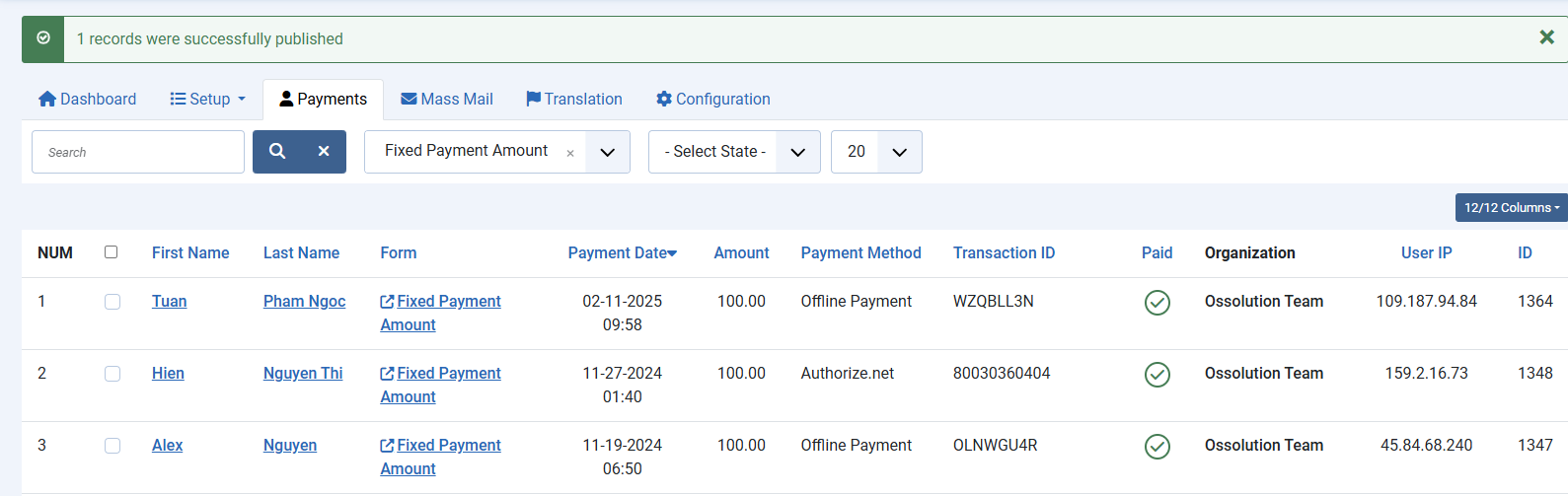
From this page, you will see list of payment records, filter payment records by Forms, by Payment Status, Search for a payment record by First Name, Last Name, Email, Transaction ID....You can also update payment record data, publish, unpublish, delete... payment records