PayPal
The PayPal Payments Standard plugin sends customers to PayPal to pay for their order. Go to Documents Seller → Payment Plugins and open os_paypal.
Basic settings
| Setting | How to configure it |
|---|---|
| Environment | Select Sandbox for test payments or Live to accept real payments. |
| Paypal Email | Enter the PayPal account email address or ID that should receive the payment. Use your sandbox business account in Sandbox. |
| Locale | Sets the language and regional format requested for PayPal checkout, such as en_US. If the field is blank, the plugin uses the active Joomla language on multilingual sites and en_US on other sites. |
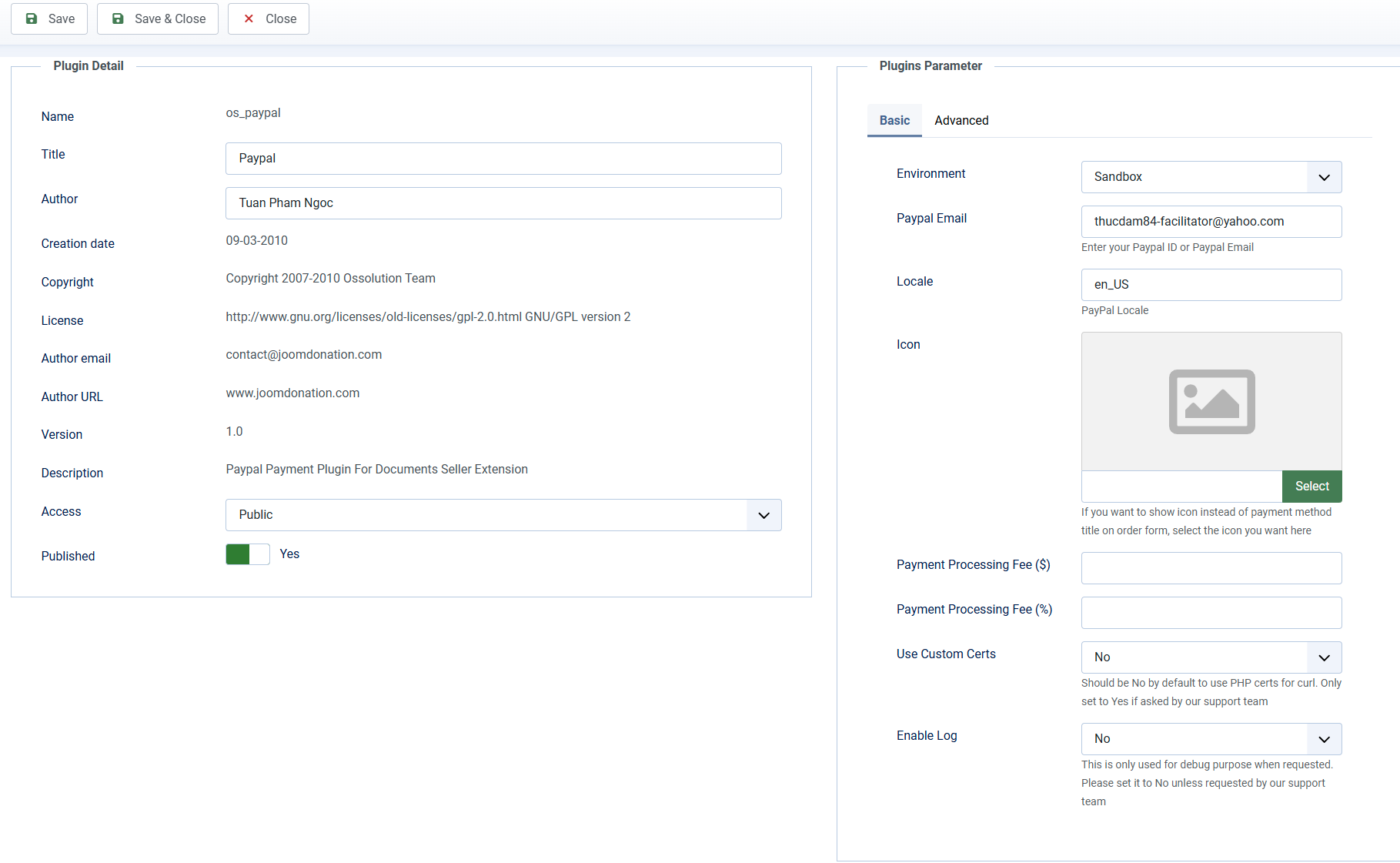
See shared settings for the icon and processing fee fields. Leave Use Custom Certs and Enable Log set to No unless support asks you to change them.
If the cart is disabled, a document's PayPal Account setting can override the receiving account for that document. See Documents.
Enable refunds from Orders
The plugin uses the PayPal REST API to process refunds. On the Advanced tab, enter both credentials for the selected Environment if you want to issue refunds from Documents Seller → Orders. These fields are optional for accepting payments.
| Environment | Fields |
|---|---|
| Live | Client ID and Client Secret |
| Sandbox | Sandbox Client ID and Sandbox Client Secret |
Only the fields for the selected environment are displayed. Use credentials belonging to the PayPal business account that received the payment. This also applies if a document's PayPal Account setting overrides the plugin's receiving account.
If you previously configured API User, API Password, and API Signature, replace them with the REST API credentials below to continue issuing refunds from Orders.
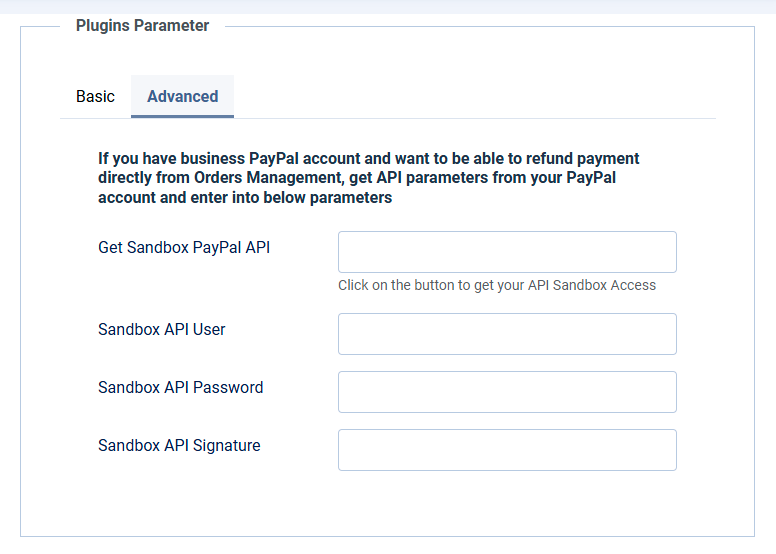
Get your Client ID and Client Secret
- Open the PayPal Developer Dashboard and sign in with your PayPal business account.
- Go to Apps & Credentials and select Live for real payments or Sandbox for testing.
- Open an existing REST API app, or click Create App and follow the prompts to create one. For sandbox testing, use an app associated with the sandbox business account that receives your test payments.
- Copy the app's Client ID and reveal and copy its Client Secret.
- Return to Documents Seller → Payment Plugins → os_paypal. Set Environment to the same environment selected in PayPal, open the Advanced tab, and paste the credentials into the matching fields shown in the table above.
- Click Save.
See PayPal's Get your client ID and client secret guide for more information. Keep the Client Secret private.
Sandbox and live credentials are different. When switching to Live, enter your live credentials before issuing refunds for real payments.
Issue a refund
Open a paid PayPal order under Documents Seller → Orders, click Refund, and confirm. The plugin requests a full refund of the original PayPal transaction. See Refund an order for the permissions, order requirements, and what happens after a refund.
If PayPal rejects the request, check that both credentials are correct, match the selected environment, and belong to the account that received the payment. Check the transaction in PayPal before retrying a refund.