Document Detail
Use Document Detail to give a single document its own entry in a site menu. For example, you can link directly to your latest guide or a free download from the main menu.
When you create the menu item, choose Document Detail under Documents Seller. In Select Document, choose the published document to display, then save the menu item.
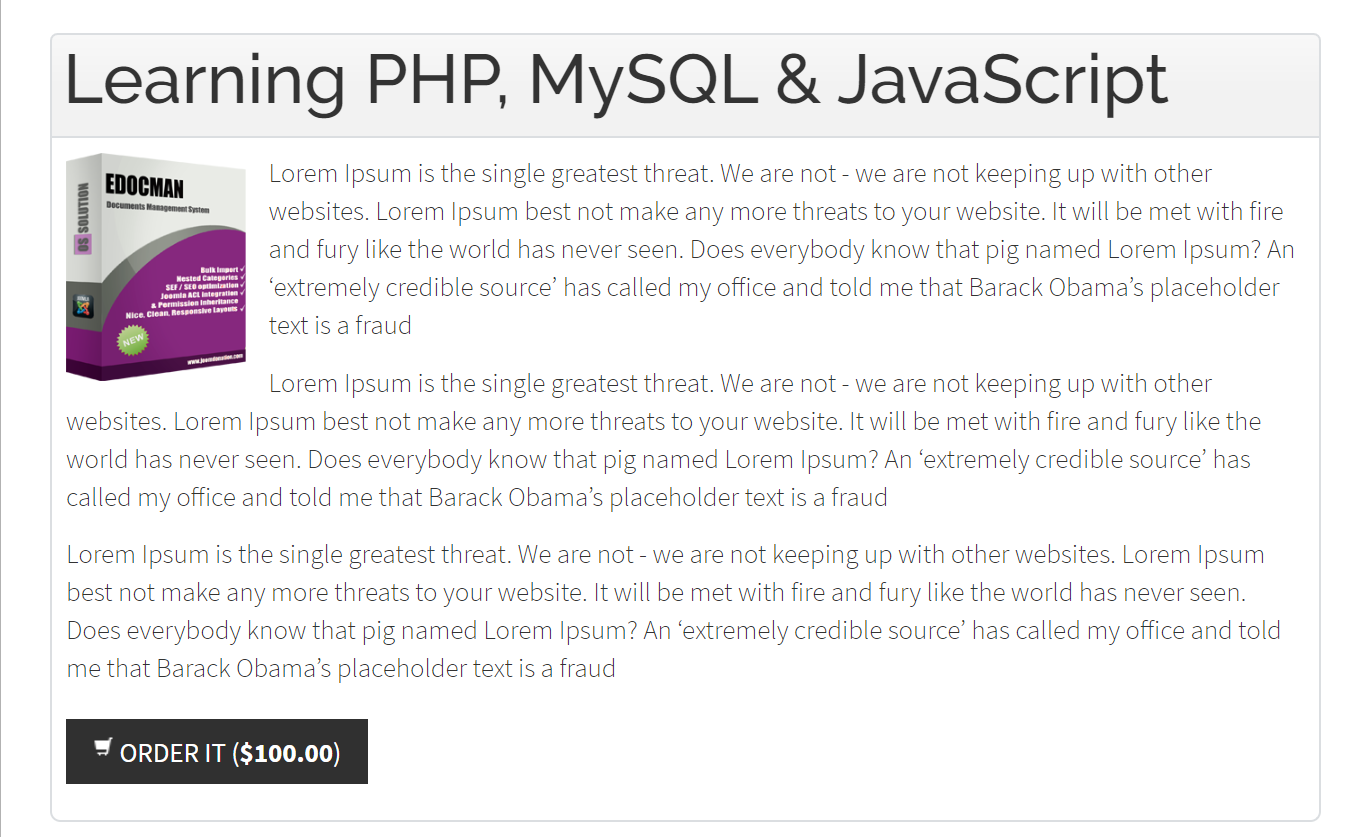
The page shows the document title, image when available, and full description. It uses the short description if the full description is empty. Customers can use Order It to start a purchase or Download when the document is available to them for download. Edit the document to update its description, image, or price.