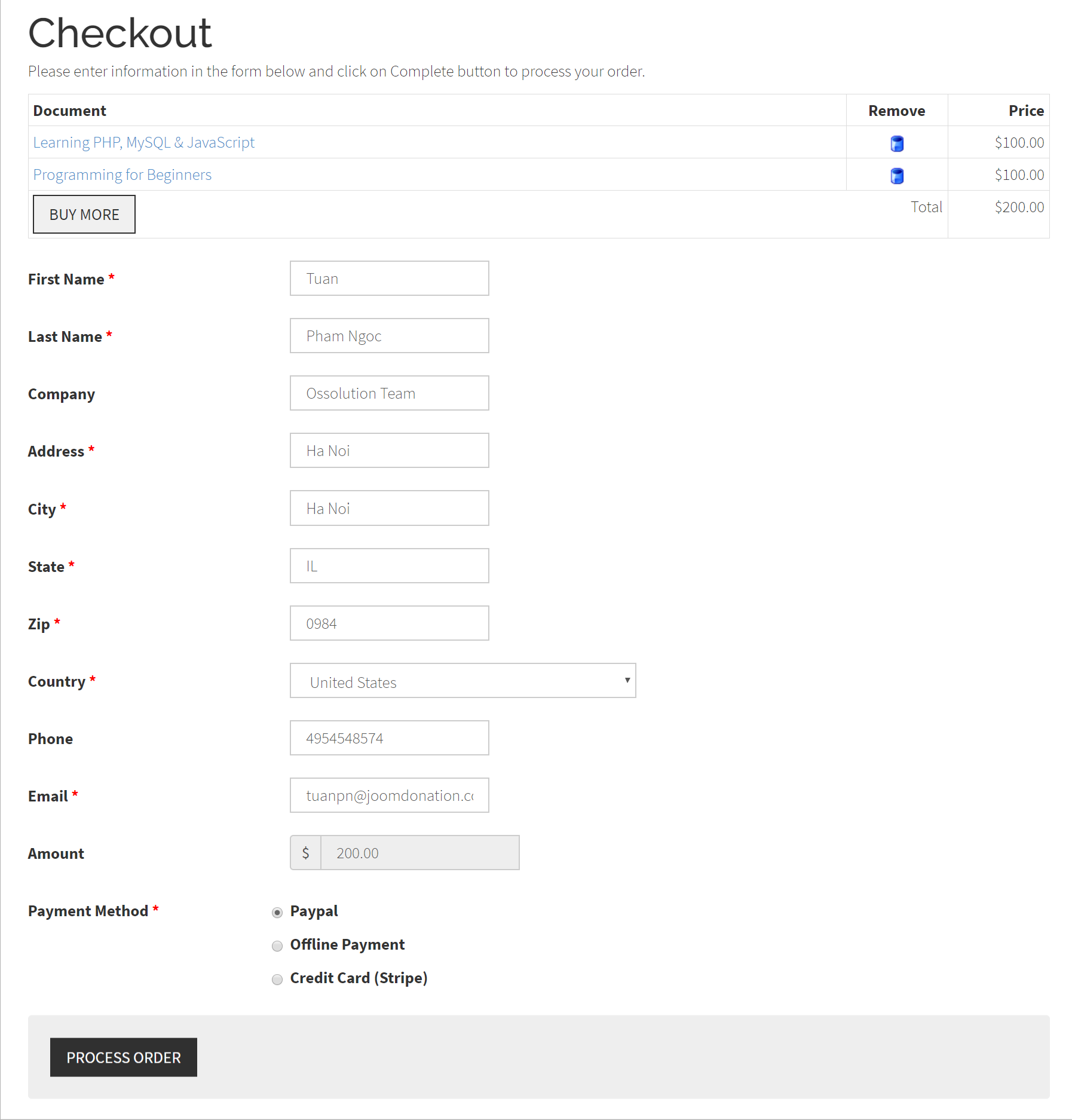
Checkout
Use Checkout if you want customers to have a direct link to the checkout form after adding documents to their cart. This menu item is optional. Customers can also reach checkout through the normal order flow.
When you create the menu item, choose Checkout under Documents Seller. If checkout has no documents to show, visitors see Your cart is empty and return to the home page.
See Checkout and Accounts for cart and checkout settings. Publish the DMS Cart module if you want customers to see their cart from other pages.